Wingstop App: Ordering, Deals & Club Wingstop Rewards
WINGSTOP APP, CLUB WINGSTOP & DIGITAL ORDERING
Wingstop App: Ordering, Deals & Club Wingstop Rewards
The Wingstop app combines carryout and delivery ordering with Club Wingstop, the brand’s free loyalty program. Members can earn points on eligible direct purchases, receive member-only perks, use group-ordering tools, and access eligible offers tied to their account. The app is most useful when you sign in before ordering so the purchase and any loyalty benefits stay connected to the same profile.
Free to join
Club Wingstop membership through the app or Wingstop.com
10 pts / $1
Base earning rate on eligible qualifying purchases
Carryout + delivery
Direct ordering options supported in Wingstop’s digital channels
Member perks
Bonus rewards, launches, drops, events and other eligible access
This page focuses on the Wingstop app, direct digital ordering, Club Wingstop account mechanics, points sharing, group ordering and app troubleshooting. For general coupon and promo-code savings, use the Wingstop promo codes page. For regular food prices, see the Wingstop menu.
What can you do in the Wingstop app?
The Wingstop app is built around ordering and loyalty rather than a separate digital-only menu. You can place eligible carryout or delivery orders, stay signed in to Club Wingstop, and keep qualifying purchases connected to the account. The Wingstop menu is the better place to compare regular food prices before deciding whether an app offer improves the basket.
Club Wingstop adds a second layer by giving members points, eligible bonus opportunities and account-based perks. Wingstop has also announced features such as points sharing and group ordering, which make the app more useful for repeat customers and larger orders. If your main goal is a coupon rather than app functionality, the Wingstop deals page keeps that intent separate.
Wingstop app features at a glance
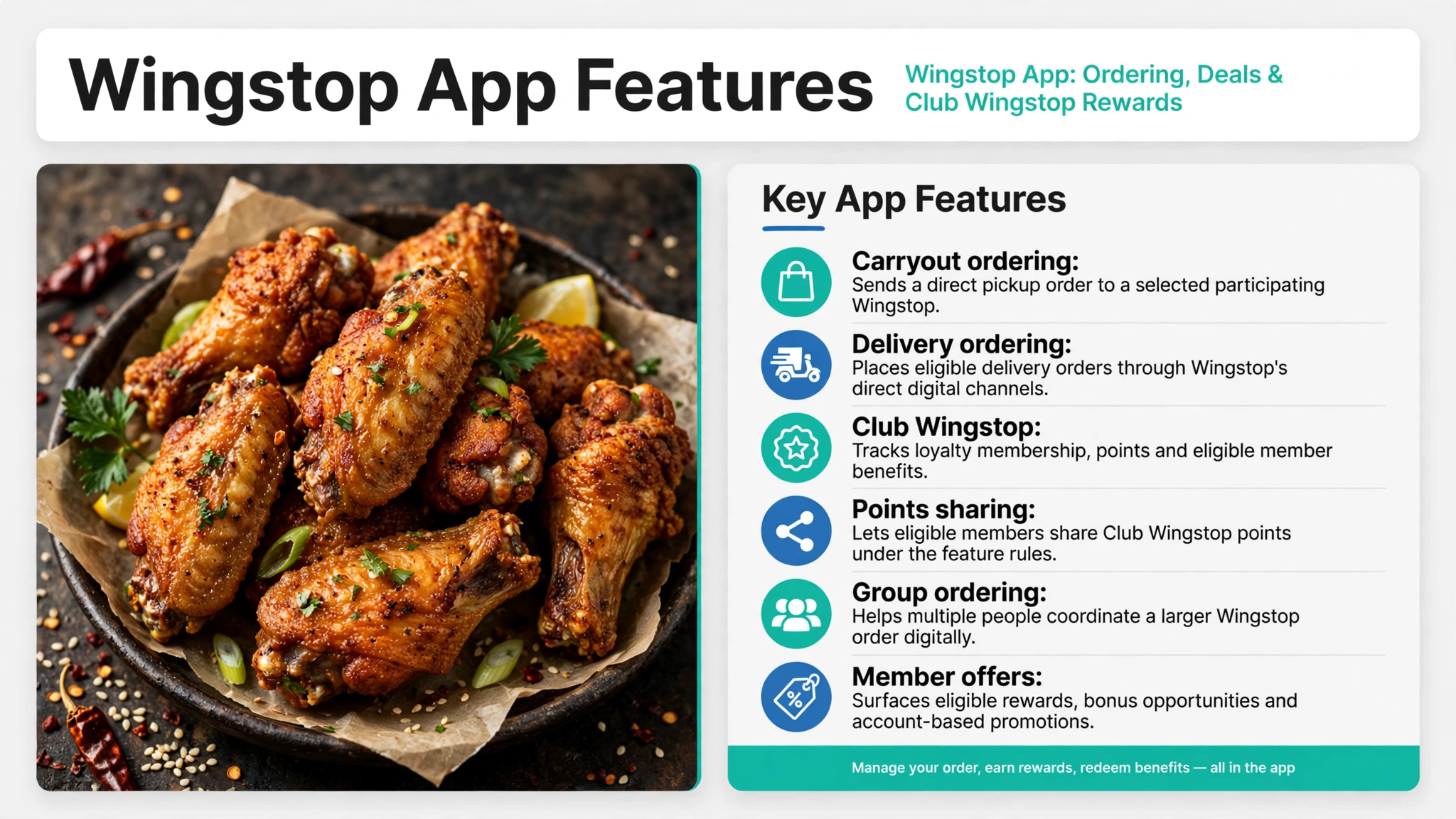
The app combines several functions that are easy to mix together if you only look at the checkout screen. Ordering, point earning, member perks and promotional offers each have their own eligibility rules. The table below separates the main app features so you can see what each one is for before placing an order.
| App feature | What it does | What to check |
|---|---|---|
| Carryout ordering | Sends a direct pickup order to a selected participating Wingstop. | Restaurant selection, item availability, pickup timing and account sign-in. |
| Delivery ordering | Places eligible delivery orders through Wingstop’s direct digital channels. | Delivery area, fees, participating restaurant and account eligibility. |
| Club Wingstop | Tracks loyalty membership, points and eligible member benefits. | Signed-in account, qualifying purchase rules and participating locations. |
| Points sharing | Lets eligible members share Club Wingstop points under the feature rules. | Availability in the account and the transfer flow shown in the app. |
| Group ordering | Helps multiple people coordinate a larger Wingstop order digitally. | Restaurant, item availability, order timing and who completes payment. |
| Member offers | Surfaces eligible rewards, bonus opportunities and account-based promotions. | Offer terms, qualifying purchase, location and redemption method. |
Not every app feature changes the price of the order. Group ordering and points sharing are convenience and loyalty tools, while account offers can create direct savings when their terms match the basket. For another restaurant-app structure, the Burger King app page explains a different combination of ordering, offers and loyalty.
How to order carryout or delivery in the Wingstop app
Start by signing in before you build the order, then choose the Wingstop restaurant that will prepare it. Select carryout or delivery based on the fulfillment method you actually plan to use, because location and delivery availability can change the final basket. Staying signed in also helps eligible direct purchases connect to Club Wingstop without relying on guest checkout.
- Open the Wingstop app and sign in to the Club Wingstop account.
- Choose the participating restaurant that will prepare the order.
- Select carryout or delivery before building the basket.
- Add the wings, tenders, sandwich, sides or other available items you want.
- Review any eligible member offer, fees, fulfillment details and final total before payment.
For delivery, compare the convenience cost with pickup before assuming the app offer is the best value. Delivery fees and service costs can change the final total even when the food subtotal is similar. The fast-food meals under $10 comparison can help when your main goal is keeping the full meal budget low.
How does Club Wingstop work in the app?
Club Wingstop is free to join through Wingstop.com or the Wingstop app. The loyalty program awards 10 points for every eligible $1 spent at participating locations on qualifying purchases. Members can also receive bonus points, rewards and personalized benefits through designated activities, challenges and promotions.
Wingstop has positioned the program around more than point accumulation. Member benefits can include access tied to flavor launches, merchandise drops, events and other personalized perks when Wingstop makes them available. The Wingstop happy hour page is the better destination for time-specific promotions rather than the underlying Club Wingstop mechanics.
The account connection matters because guest checkout does not earn Club Wingstop points. Sign in before completing the direct order if you want an eligible purchase associated with the loyalty profile. For a comparison with another loyalty-driven chicken offer structure, see the Popeyes deals page.
What earns Club Wingstop points?
Qualifying purchases made through Wingstop.com or the Wingstop app can earn points when they are tied to the member account and meet the program rules. The base earning rate is 10 points per eligible $1 spent. That makes direct digital ordering useful for repeat customers who want the purchase recorded automatically under the same account.
Not every Wingstop transaction qualifies. Guest checkout, Wingstop gift card purchases, alcohol, orders through third-party delivery platforms, and certain offers or promotions do not earn points under the loyalty notice. If points matter to the order, compare the transaction method before choosing a third-party delivery marketplace.
The cleanest approach is to sign in, use Wingstop’s direct ordering channel and review the account after the eligible purchase. A low-cost order should still make sense on its own rather than being enlarged only to chase points. The KFC deals page provides another chicken-chain comparison for customers weighing loyalty against direct discounts.
Where do Wingstop app deals and member offers appear?
Eligible Club Wingstop offers and rewards are tied to the member account and can appear through the app or Wingstop.com. Individual promotions can use their own purchase, location and redemption rules, so an offer should be read before you change the basket around it. This is different from assuming every member receives the same deal at every restaurant.
Bonus points and rewards can also come from designated activities, challenges or promotions rather than a standard coupon code. That makes the app useful even when there is no broad public offer running. The Wingstop promo codes page covers general coupon intent, while this page stays focused on how the app and member account work.
If an offer requires extra food you did not want, compare the discounted basket with the regular menu price before using it. A smaller standard order can still be cheaper than a promotion with a higher qualifying purchase. The fast-food meals under $5 page gives another baseline for very small budgets.
How do points sharing and group ordering work?
Wingstop announced both points sharing and group ordering as Club Wingstop features. Points sharing is designed to let eligible members transfer points under the program’s account flow, while group ordering helps several people coordinate one larger order. The exact controls should be checked inside the signed-in account before relying on either feature.
Group ordering is most useful when several people want different flavors, proteins or sides but one person will complete the purchase. Keeping the order inside Wingstop’s direct digital system can also make it easier to preserve account eligibility for qualifying loyalty activity. The Wingstop secret menu is better for flavor and customization ideas than for digital-order mechanics.
Points sharing should be treated as a loyalty feature rather than a substitute for a coupon. The value depends on the balance available and the way the account presents the transfer option. If the group is comparing other restaurant apps as well, the McDonald’s app deals page gives a useful contrast in digital ordering and rewards.
Why did my Wingstop purchase not earn points?
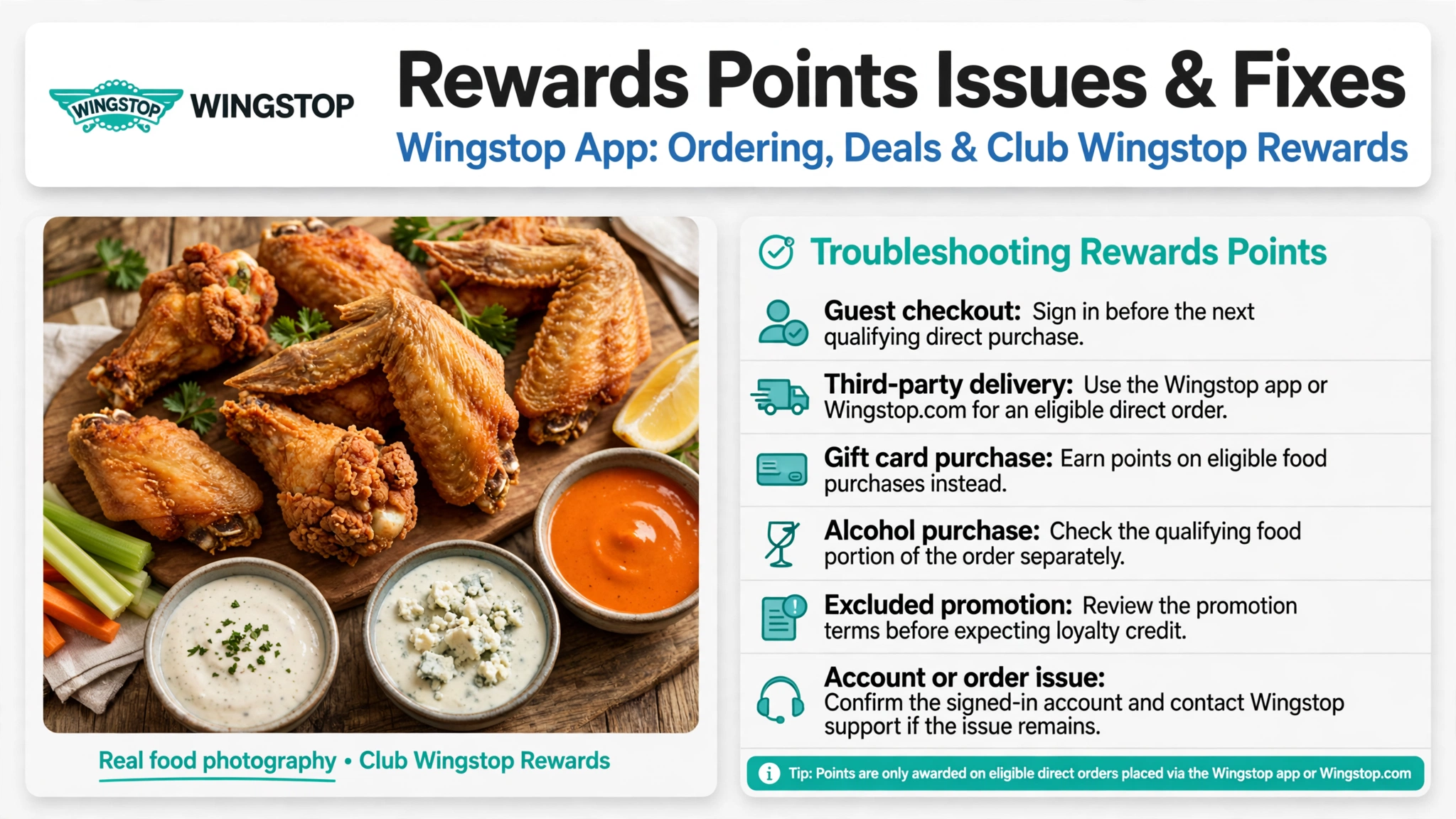
Missing points usually come down to the order channel, account status or an excluded transaction. Guest checkout and third-party delivery are two of the most important differences because they can prevent an otherwise normal food purchase from earning Club Wingstop points. Use the table below to narrow the cause before assuming the loyalty account failed.
| Possible issue | What it means | What to try |
|---|---|---|
| Guest checkout | The purchase was not tied to the Club Wingstop account. | Sign in before the next qualifying direct purchase. |
| Third-party delivery | Orders from outside delivery marketplaces do not earn Club Wingstop points. | Use the Wingstop app or Wingstop.com for an eligible direct order. |
| Gift card purchase | Buying a Wingstop gift card does not count as a qualifying point-earning purchase. | Earn points on eligible food purchases instead. |
| Alcohol purchase | Alcohol does not qualify for Club Wingstop point earning under the loyalty notice. | Check the qualifying food portion of the order separately. |
| Excluded promotion | Certain offers or promotions may not earn points. | Review the promotion terms before expecting loyalty credit. |
| Account or order issue | The transaction may not have been associated with the expected profile. | Confirm the signed-in account and contact Wingstop support if the issue remains. |
If the order appears eligible but the account still does not reflect it, keep the order details and use Wingstop’s support channel for help. Do not place a second order only to test whether the loyalty system is working. The Blog section has more app, loyalty and restaurant-savings articles if you want to compare how other programs handle account problems.
How to use the Wingstop app without overspending
Use the app to simplify ordering first, then treat points and offers as a secondary benefit. Choose the food and fulfillment method you actually want before checking whether a member offer improves the total. That keeps a promotion from turning a smaller order into a larger and more expensive basket.
For pickup, compare the direct app total with delivery before paying. For repeat purchases, staying signed in can preserve eligibility for qualifying Club Wingstop points without changing what you order. The Wingstop menu remains the best regular-price reference when you want to compare an offer against the standard basket.
The app is especially useful for customers who order Wingstop more than once because ordering history, loyalty activity and member benefits stay connected to one profile. Occasional customers can still use the direct ordering tools without chasing every loyalty feature. The best savings choice is the one that lowers the real final total, not simply the one that awards the most points.
Official Wingstop app and Club Wingstop information
For program rules, point eligibility and excluded transactions, review the official Club Wingstop loyalty terms. Those terms control how qualifying purchases and member features work at participating locations. They are more reliable for account rules than screenshots of old promotions shared elsewhere.
If you need help with an order or account issue, use the official Wingstop contact page. Keep the order details available when the problem involves a specific transaction. Restaurant participation, item availability and individual promotion rules can still vary.
Frequently Asked Questions
Is Club Wingstop free to join?
Yes. Club Wingstop is free to join through Wingstop.com or the Wingstop app. Members can earn points on qualifying purchases and receive access to eligible member perks and offers.
How many Club Wingstop points do you earn per dollar?
Club Wingstop awards 10 points for every eligible $1 spent at participating locations on qualifying purchases. The order needs to be associated with the member account and meet the program rules.
Do Wingstop app delivery orders earn points?
Qualifying purchases made through the Wingstop app or Wingstop.com can earn Club Wingstop points when they meet the program rules. Orders placed through third-party delivery platforms do not earn points.
Do guest checkout orders earn Club Wingstop points?
No. Wingstop states that purchases made while checking out as a guest do not earn Club Wingstop points. Sign in before placing the qualifying order if you want the purchase connected to the loyalty account.
Can Club Wingstop members share points?
Wingstop announced points sharing as a Club Wingstop feature. Availability and the exact transfer flow should be checked inside the member account before relying on it for an order.
Does the Wingstop app support group ordering?
Yes. Group ordering is one of the digital features Wingstop announced with Club Wingstop. It can make larger orders easier to coordinate without mixing the feature with a short-lived promo code.
Why did my Wingstop purchase not earn points?
Common causes include guest checkout, a third-party delivery order, gift card purchases, alcohol, or a promotion that does not qualify for points. Check the transaction against the Club Wingstop terms before assuming the points are missing.
Where do Wingstop app offers appear?
Eligible member offers and rewards are tied to the Wingstop account and can appear through the app or Wingstop.com. Individual promotions can have their own purchase, location, and redemption rules.
About This Guide
HackTheMenu.us is an independent restaurant-information site and is not affiliated with Wingstop. This article separates app ordering and Club Wingstop mechanics from general promo-code, menu-price, happy-hour and secret-menu topics so each page answers a distinct search intent. Program rules and participating-location requirements are based on the saved official-source research attached to this draft.
Offers can change or disappear, so the article avoids embedding short-lived promotional codes as permanent app facts. Use the official Wingstop account and offer terms for the transaction you are about to place. That keeps the article useful even when a temporary campaign ends.